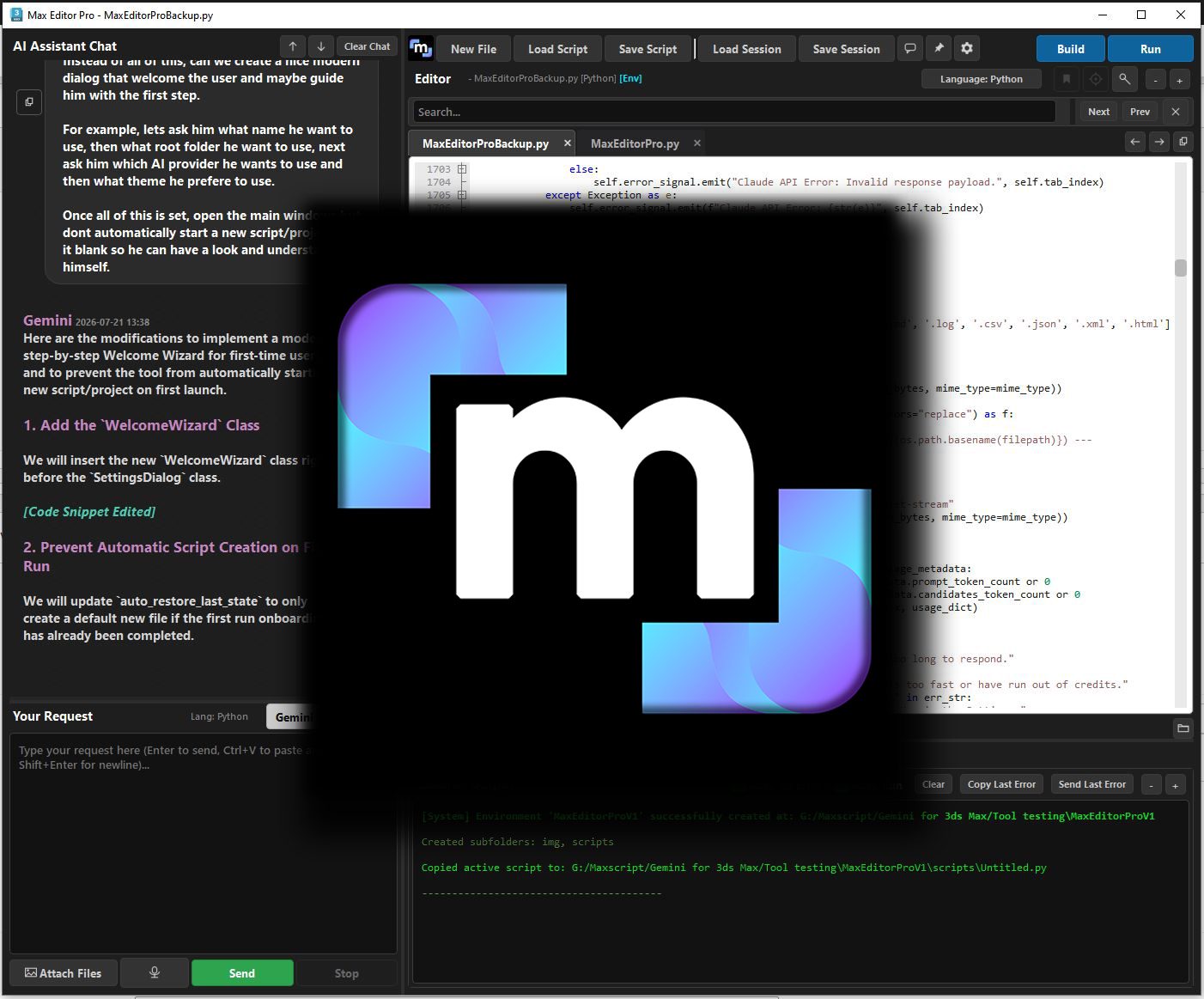
Max Editor Pro
Max Editor Pro is an professional IDE fully integrated inside 3ds Max that blend AI and advanced features for skilled developers and new comers. Please select your license type:
Specifications
- Requirements
- 3D Studio Max 2025, 2026, 2027 API Key for Gemini and/or Claude (optional but needed for AI features) Internet Connection
- Installation
- - Start 3dsmax in Administrator Mode - Use the Run Script button from the Scripting menu to run MaxEditorPro.mzp - Use your FLAG Visuals Email Account and License Key to activate Max Editor Pro. The license key can be found in your account. https://www.flagvisuals.com/my-account/ - Follow the installation instructions. Enter your name, pick a root folder and enter your API key if you want to use AI features (optional). - Restart 3dsmax if needed - Launch your new tool, enjoy!
- Support
- If you are getting errors, please try these solutions: - Start your 3ds Max in ADMIN mode before installing anything. - Manually run scripts through 3ds Max Scripting Menu using the Run button.
How AI sees this product
The more complete this product's details, the more confidently AI assistants can understand and recommend it.
63%