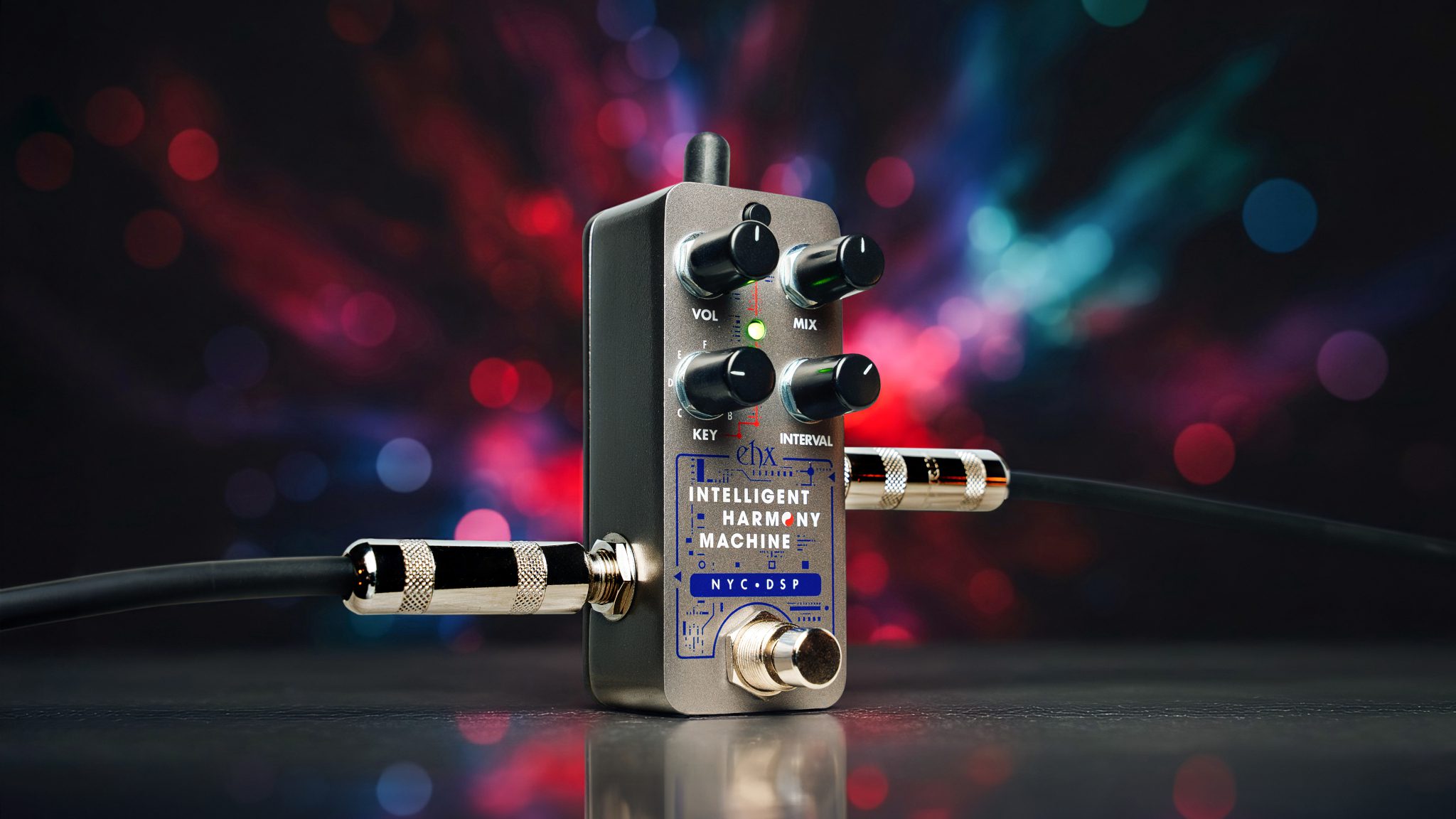
Pico Intelligent Harmony Machine
[vc_row type=”full_width_content” full_screen_row_position=”middle” column_margin=”default” column_direction=”default” column_direction_tablet=”default” column_direction_phone=”default” bg_color=”#ffffff” scene_position=”center” text_color=”dark” text_align=”left” row_border_radius=”none” row_border_radius_applies=”bg” overflow=”visible” id=”features” row_name=”Features” overlay_strength=”0.3″ gradient_direction=”left_to_right” shape_divider_position=”bottom” bg_image_animation=”none” shape_type=””][vc_column column_padding=”padding-11-percent” column_padding_tablet=”inherit” column_padding_phone=”inherit” column_padding_position=”left-right” column_element_direction_desktop=”default” column_element_spacing=”default” desktop_text_alignment=”default” tablet_text_alignment=”default” phone_text_alignment=”default” background_color_opacity=”1″ background_hover_color_opacity=”1″ column_backdrop_filter=”none” column_shadow=”none” column_border_radius=”none” column_link_target=”_self” column_position=”default” gradient_direction=”left_to_right” overlay_strength=”0.3″ width=”1/1″ tablet_width_inherit=”default” animation_type=”default” bg_image_animation=”none” border_type=”simple” column_border_width=”none” column_border_style=”solid”][nectar_image_with_hotspots image=”213997″ preview=”https://www.ehx.com/wp-content/uploads/2026/01/ihm-shop-home.jpg” color_1=”Accent-Color” hotspot_icon=”plus_sign” tooltip=”hover” tooltip_shadow=”large_depth” animation=”true”][nectar_hotspot left=”52.658599193252655%” top=”4.693486590038314%” position=”right”] Power Jack Current draw: 100mA at 9.0VDC[/nectar_hotspot][nectar_hotspot left=”48.04042904290429%” top=”10.789545703338806%” position=”left”] # Button Press this button to switch between a natural and sharp key: Green – NATURAL KEY, Red – SHARP KEY, and Dual Mode In Dual Mode the Pico IHM synthesizes two different intervals simultaneously. The intervals are incremented as you move the INTERVAL knob from minimum to maximum. Press and hold the # button for one second to enable Dual Mode. The LED blinks in an asymmetrical pattern to indicate Dual Mode is active. Press and hold the # button again to exit Dual Mode.[/nectar_hotspot][nectar_hotspot left=”44.21754675467547%” top=”21.11384783798577%” position=”left”] VOLUME Knob Adjusts the output volume.[/nectar_hotspot][nectar_hotspot left=”50.53171983865054%” top=”21.40120415982485%” position=”right”] MIX Knob Adjusts the output mix from 100% dry to 100% wet.[/nectar_hotspot][nectar_hotspot left=”44.355060506050606%” top=”40.558292282430216%” position=”left”] KEY Knob Sets the key that the IHM is tuned to, in conjunction with the # button. The key is incremented as you move this knob from minimum to maximum. The LED flashes briefly each time a new key is selected. See the following section, Setting The Key, for more information on keys and scales.[/nectar_hotspot][nectar_hotspot left=”50.8274%” top=”40.8935%” position=”right”] INTERVAL Knob Controls the harmony interval relative to the input signal. The intervals are incremented as you move this knob from minimum to maximum. The LED flashes briefly each time a new interval is selected.[/nectar_hotspot][nectar_hotspot left=”56.8871%” top=”60.3175%” position=”right”] INPUT Jack Impedance: 2.2MΩ, Max In: +1.5dBu[/nectar_hotspot][nectar_hotspot left=”42.830949761642835%” top=”73.2895457033388%” position=”left”] OUTPUT Jack Impedance: 680Ω, Max Out: +2.1dBu[/nectar_hotspot][nectar_hotspot left=”51.7785%” top=”80.7403%” position=”right”] Footswitch and Status LED Footswitch engages or bypasses the effect. The LED color indicates the selected key mode. In bypass mode, the LED is off.[/nectar_hotspot][/nectar_image_with_hotspots][/vc_column][/vc_row]
Specifications
- Circuit
- Digital
- Audio
- Mono
- Power Supply
- 9.6VDC-200mA power adapter included
AI Readiness
Good foundation, but some important product data is still missing.