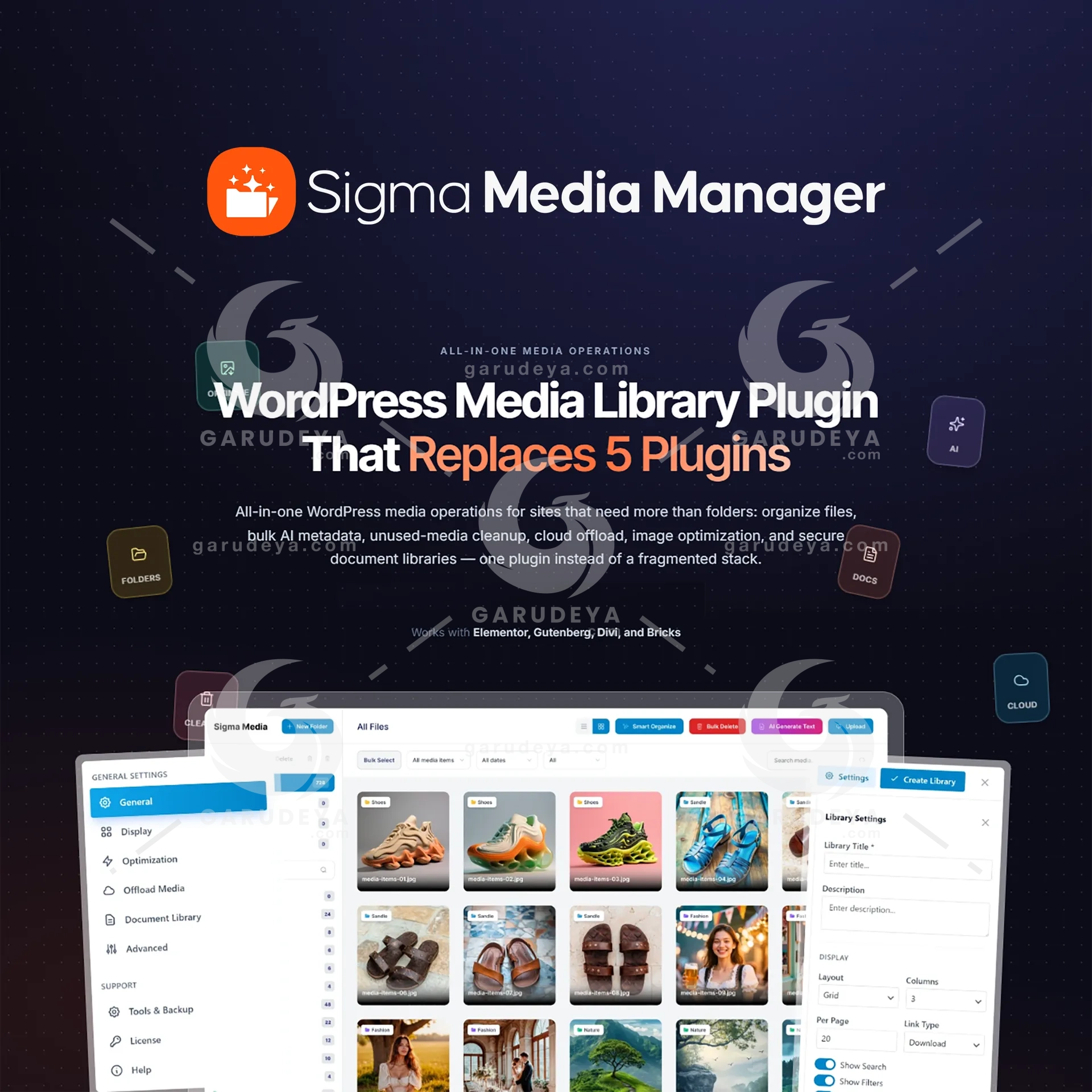
Sigma Media Manager – WordPress Media Library Organizer
Sigma Media Manager – WordPress Media Library Organizer Sigma Media Manager – WordPress Media Library Organizer is the complete solution for website owners, agencies, WooCommerce stores, publishers, and content teams struggling to manage a growing WordPress Media Library. As your website expands, thousands of images, documents, videos, and downloadable assets can quickly turn into an unorganized mess that wastes time, slows workflows, and impacts SEO performance. If you are tired of searching through endless files, juggling multiple media management plugins, or worrying about missing image alt text, unused media, and storage limitations, Sigma Media Manager gives you a smarter way to take control. Built specifically for WordPress, this powerful WordPress Media Library Organizer transforms the native media library into a structured, scalable, and highly productive asset management system. Instead of relying on separate plugins for media folders, cloud storage, image optimization, SEO metadata generation, document protection, and media cleanup, everything works together inside a single streamlined workflow. Whether you manage a WooCommerce store with thousands of product images, a digital agency serving multiple clients, an online course platform, or a content-rich business website, Sigma Media Manager helps you stay organized, improve accessibility, boost search engine visibility, reduce server load, and protect valuable digital assets. Compatible with Elementor, Gutenberg, Divi, and Bricks Builder, Sigma Media Manager works seamlessly within your existing WordPress environment without changing the way your team uploads and manages content. Replace Your Entire Media Plugin Stack with One Powerful Solution Organize Your WordPress Media Library with Unlimited Folders Create Structure That Scales with Your Website One of the biggest limitations of the default WordPress Media Library is the lack of folders. As your content grows, finding the right file becomes increasingly frustrating. Sigma Media Manager introduces unlimited folders and nested subfolders, allowing you to organize media exactly the way your team thinks. Create logical folder structures for clients, products, campaigns, content categories, departments, or projects. Move files effortlessly with drag-and-drop controls, assign folder colors for faster navigation, and instantly see file counts within each folder. With support for grid and list views, keyboard shortcuts, auto-expanding navigation, and a resizable sidebar, managing thousands of assets becomes simple, intuitive, and efficient. Benefits: Organize media assets with unlimited folders and subfolders Improve team collaboration and workflow consistency Reduce time spent searching for files Maintain a clean and scalable media structure Perfect for agencies, eCommerce stores, and content-heavy websites Generate Bulk AI Metadata for Better SEO and Accessibility Turn Every Image into an SEO Asset Images without metadata represent missed opportunities for search engine optimization and accessibility compliance. Writing alt text, image titles, captions, and descriptions manually can be overwhelming when dealing with hundreds or thousands of files. Sigma Media Manager includes built-in AI-powered metadata generation that automatically creates SEO-friendly image metadata using leading AI providers including OpenAI, Claude, Gemini, and Free Credits. Generate metadata across your entire WordPress Media Library or target specific folders. Existing metadata can be preserved, allowing you to improve content without overwriting previous work. Every generated result can be reviewed and edited before publishing. Benefits: Automatically generate image alt text Improve WordPress SEO performance Enhance accessibility for screen readers Increase visibility in Google Image Search Save countless hours of manual optimization Identify and Remove Unused Media Files Safely Eliminate Digital Clutter Without Guesswork Over time, WordPress websites accumulate thousands of unused images and abandoned files that consume valuable server resources. Sigma Media Manager scans your website and identifies orphaned media files that are no longer linked to posts, pages, products, or content. Instead of deleting blindly, you receive a complete preview before making any changes. This intelligent cleanup process helps maintain a lean and efficient media library while reducing storage usage and backup sizes. Benefits: Detect unused media automatically Reduce server storage consumption Speed up backup and migration processes Keep media libraries organized Delete files with confidence and full visibility Offload Media to Cloud Storage and Scale Effortlessly Reduce Hosting Costs and Improve Performance Large media libraries can quickly overwhelm hosting resources, resulting in slower websites and increasing storage expenses. Sigma Media Manager allows you to offload media files directly to cloud storage providers such as Amazon S3, Cloudflare R2, DigitalOcean Spaces, Google Cloud Storage, and other S3-compatible services. Automatically transfer new uploads or migrate your entire media library in bulk. URL rewriting happens seamlessly in the background, ensuring your website continues functioning exactly as expected while media assets are served through scalable cloud infrastructure and CDN networks. Benefits: Offload media files from your WordPress server Reduce hosting storage requirements Improve website scalability Enhance global content delivery performance Support Amazon S3, Cloudflare R2, DigitalOcean Spaces, and Google Cloud Storage Optimize Images for Faster Loading Websites Improve Core Web Vitals and User Experience Large image files can significantly impact website speed, user engagement, and search engine rankings. Sigma Media Manager includes built-in image optimization tools that compress JPEG and PNG files while maintaining visual quality. Automatic resizing prevents oversized images from entering your media library, while optional EXIF data removal reduces file sizes and improves privacy. Original files can be retained as backups, giving you complete control over optimization settings and reversibility. Benefits: Compress JPEG and PNG images automatically Improve page loading speed Support Core Web Vitals optimization Reduce media storage requirements Enhance user experience and SEO performance Create Secure WordPress Document Libraries Protect Sensitive Files and Downloads Many businesses need a secure way to share documents, training materials, reports, presentations, and client resources. Unfortunately, WordPress offers very limited document protection by default. Sigma Media Manager enables you to build fully secure document libraries for PDFs, DOCX, XLSX, PPTX, ZIP files, videos, and more. Create multiple independent libraries, organize files into folders, and display content anywhere using simple shortcodes. Advanced protection features include password protection, CAPTCHA verification, download rate limiting, file type restrictions, and folder-level security controls. Benefits: Build private document portals Protect confidential downloads Restrict access with passwords Prevent abuse with CAPTCHA verification Organize files using structured document libraries Designed for Real WordPress Workflows Built for Agencies, Stores, Publishers, Educators, and Businesses Sigma Media Manager adapts to the way modern WordPress teams work. Digital Agencies can organize client assets, streamline project management, and securely deliver files. WooCommerce Stores can manage product images by category, optimize image performance, and generate SEO metadata in bulk. Publishers and Marketing Teams can improve accessibility, strengthen SEO, and maintain organized media libraries. Educators and Course Creators can distribute learning resources through secure document libraries. Businesses and Internal Teams can share SOPs, policies, onboarding materials, and private documentation with controlled access. Seamlessly Integrates with Your Existing Workflow No Learning Curve, No Migration Required Unlike standalone Digital Asset Management systems, Sigma Media Manager works directly inside the WordPress dashboard. Your existing upload process remains familiar while advanced automation handles organization, optimization, metadata generation, and cloud storage behind the scenes. Automatic workflows include: Auto-compress images on upload Auto-resize oversized media files Auto-offload uploads to cloud storage Auto-organize assets by date or file type This means greater consistency, fewer manual tasks, and a more efficient content management process for every member of your team. Why Choose Sigma Media Manager? The Ultimate WordPress Media Library Organizer Sigma Media Manager combines the functionality of multiple WordPress plugins into a single, powerful solution. From media folders, AI metadata generation, image optimization, and unused media cleanup to cloud storage offloading and secure document management, every feature is designed to help WordPress users save time, improve SEO, enhance accessibility, and scale their websites with confidence. Stop patching together disconnected tools. Bring order, performance, security, and automation to your media workflow with Sigma Media Manager, the complete WordPress Media Library Organizer built for growing websites. How to Download this item at Garudeya.com The method is quite easy, click this link, you will be directed to this item download tutorial View More Premium WordPress Plugins click here
Specifications
- Compatible Browsers
- Chrome, Edge, Firefox, IE, Opera, Safari
- Compatible With
- Bricks Builder, Divi, Elementor, Elementor Pro, Gutenberg
- Software Version
- WordPress
AI Readiness
Good foundation, but some important product data is still missing.